Engineering change control
Keep the shop on the released revision.
Use a revision change to see how an engineering ERP connects product structure, routings, procurement and open jobs.
- ReleaseDrawing, BOM and routing
- AssessOpen orders and existing stock
- EffectivityApproved cut-in by job or date
Test a revision change halfway through an order
Define the released baseline
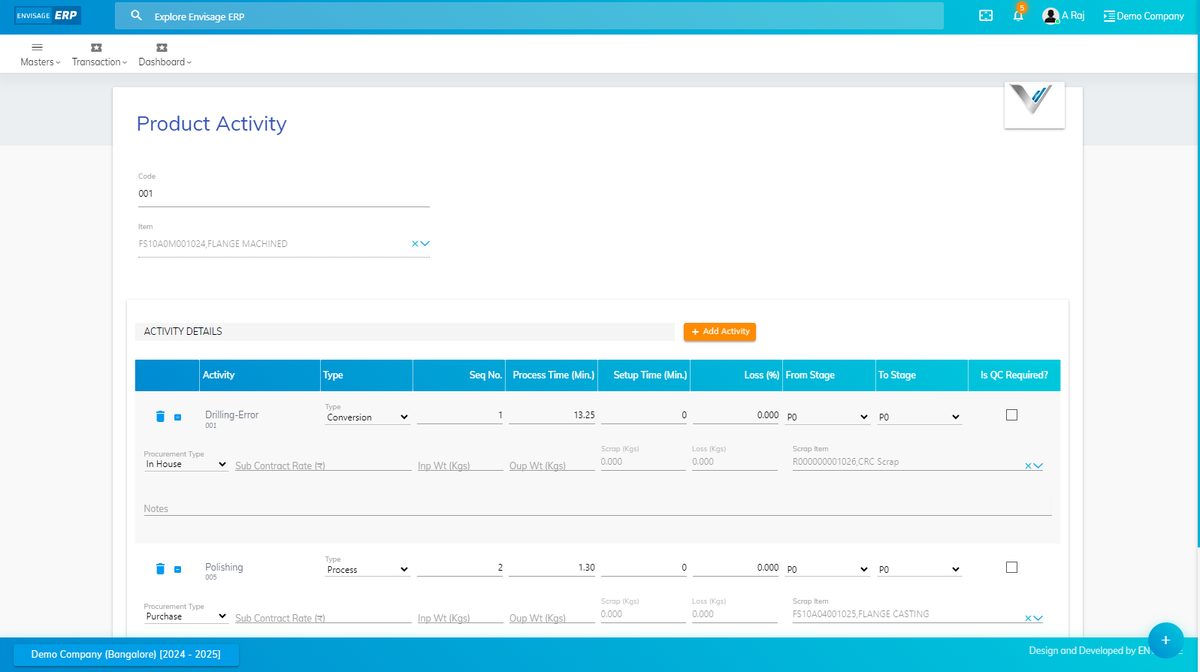
Create a sample part with a two-level bill of material and a routing. Identify the drawing, specification and process revision used to quote and plan it. Check how the released baseline appears on the job documents available to the operator.
Review the work already in motion
Change one bought-out item and one inspection requirement. Identify open purchase orders, stock, WIP and subcontract operations affected by the change. Decide which jobs can proceed under the old release and which require rework or written approval.
Prove the change took effect where intended
Check one new job and one already released. Ask how planners handle mixed revisions, how quality finds the correct inspection requirements and what evidence remains after dispatch. Include the purchasing or stores user when evaluating the handover.
Engineering change demo checklist
Check each control against a sample partial order during your evaluation.
Explore Envisage ERP
Envisage ERP lists engineering BOM templates, production planning and work-order-to-quality workflows. Demonstrate your specific revision and approval rules with Envisage before selecting an implementation approach.